How Much Will It Cost to Build a PC for CAD and BIM in 2026?
Learn exactly how much it will cost to build a PC for CAD, BIM, and 3D rendering in 2026 with our detailed component pricing breakdown.
The Baseline: Answering the Core Question
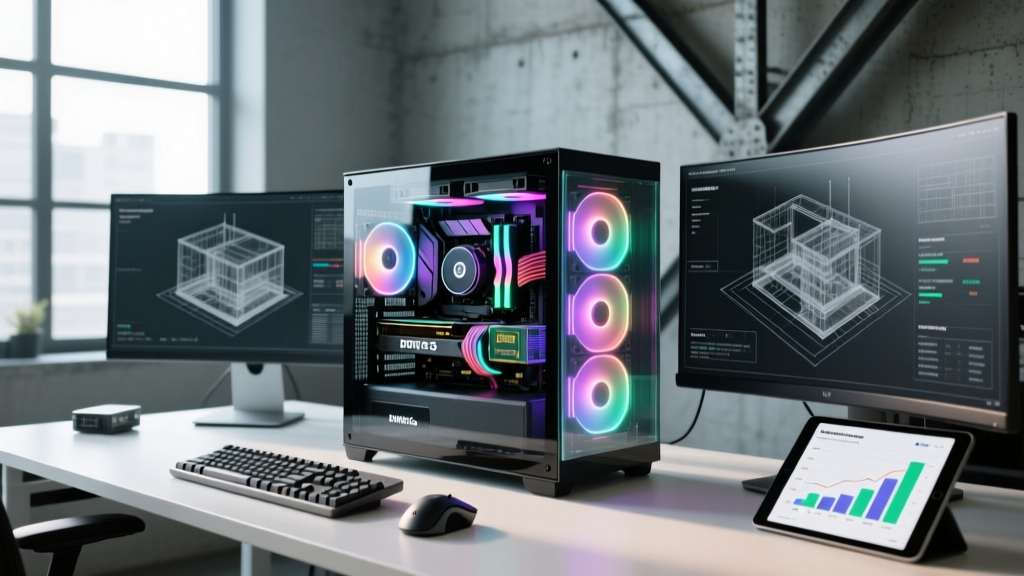
When professionals search for 'how much will it cost to build a pc', they are usually met with generic gaming estimates that fail to address the rigorous demands of construction technology. Building a workstation for Computer-Aided Design (CAD), Building Information Modeling (BIM), and real-time 3D rendering requires a fundamentally different approach to cost estimation. Unlike gaming rigs that prioritize frame rates, architectural and engineering workstations demand high single-core clock speeds for active modeling, massive VRAM for texture-heavy rendering, and ECC-capable memory for computational stability.
In 2026, the cost to build a professional-grade PC for construction software like Autodesk Revit, AutoCAD, Navisworks, and Enscape ranges from $1,850 for an entry-level 2D CAD machine to $6,800+ for a high-end BIM and photorealistic rendering workstation. This detailed breakdown isolates the exact component costs, market variables, and hidden expenses involved in constructing a machine tailored for the AEC (Architecture, Engineering, and Construction) industry.
Tiered Cost Breakdown Matrix
To accurately estimate your budget, you must first define the primary workload. The table below outlines the estimated component costs across three distinct performance tiers for 2026 hardware configurations.
| Component | Tier 1: 2D CAD & Light BIM ($1,850) | Tier 2: Heavy BIM & Multitasking ($3,400) | Tier 3: Real-Time Rendering ($6,800+) |
|---|---|---|---|
| CPU | Intel Core i5-14600K ($290) | AMD Ryzen 9 9900X ($499) | AMD Ryzen 9 9950X / Threadripper ($649 - $1,199) |
| GPU | NVIDIA RTX 4060 Ti 16GB ($449) | NVIDIA RTX 4080 Super 16GB ($999) | NVIDIA RTX 6000 Ada 48GB ($8,199) |
| RAM | 32GB DDR5-5600 ($105) | 64GB DDR5-6000 CL30 ($215) | 128GB DDR5-5600 ECC ($480) |
| Storage | 1TB PCIe 4.0 NVMe ($85) | 2TB PCIe 4.0 NVMe ($150) | 4TB PCIe 5.0 NVMe ($320) |
| Motherboard | B760 Chipset ($160) | X670E Chipset ($320) | TRX50 / WRX90 Chipset ($699+) |
| PSU, Case, Cooling | 750W Gold, Air Cooler ($160) | 1000W Platinum, 280mm AIO ($310) | 1600W Titanium, Custom Loop ($850) |
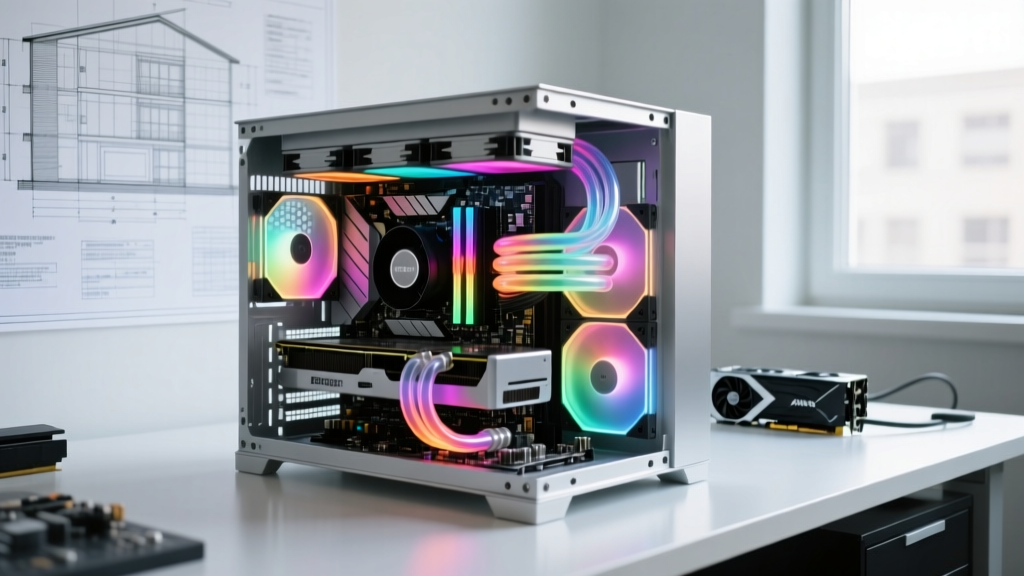
Detailed Component Breakdown for BIM and CAD
Processing Power: The Single-Thread vs. Multi-Thread Dilemma
The most common mistake in estimating PC build costs for construction software is over-investing in core count at the expense of clock speed. According to extensive benchmarking by Puget Systems for Autodesk Revit, the core modeling environment is predominantly single-threaded. Tasks like drawing walls, manipulating families, and regenerating views rely entirely on single-core frequency.
For Tier 1 and Tier 2 builds, the AMD Ryzen 9 9900X or Intel Core Ultra 9 series offer the ideal balance, providing boost clocks exceeding 5.6 GHz while keeping costs under $500. However, if your workflow includes CPU-based rendering (like V-Ray or Corona) or complex structural analysis simulations, multi-threading becomes critical. In these scenarios, stepping up to a 16-core AMD Ryzen 9 9950X ($649) or an entry-level Threadripper is mandatory, increasing the CPU budget allocation by 40% to 150%.
Graphics and VRAM: Avoiding the Viewport Bottleneck
While the GPU does not accelerate basic Revit modeling, it is the sole driver for real-time rendering engines like Enscape, Twinmotion, and Lumion. The critical metric here is not just CUDA cores, but Video RAM (VRAM). When a 3D scene exceeds the GPU's VRAM capacity, the software crashes or falls back to system RAM, causing catastrophic viewport lag.
- 16GB VRAM (RTX 4080 Super - $999): Sufficient for 90% of commercial BIM models and standard Enscape walkthroughs.
- 24GB VRAM (RTX 4090 - $1,799): Required for massive urban planning models, heavy 4K texture packs, and complex vegetation rendering.
- 48GB VRAM (RTX 6000 Ada - $8,199): Reserved for enterprise-level digital twins and simultaneous multi-application rendering.
Memory and Storage: The Hidden Bottleneck Preventers
System RAM dictates how many applications and background processes you can run simultaneously. In 2026, 32GB is the absolute floor for 2D AutoCAD drafting, but 64GB of DDR5-6000 (specifically with low CAS latency, like CL30) is the recommended standard for heavy BIM coordination. A 64GB kit currently costs approximately $215. For structural engineers running RAM-hungry finite element analysis (FEA) software like ETABS, 128GB is non-negotiable.
Storage costs have shifted with the maturation of PCIe 5.0 NVMe drives. While a standard PCIe 4.0 drive like the WD Black SN850X ($150 for 2TB) is perfectly adequate for loading OS and applications, PCIe 5.0 drives (e.g., Crucial T700 at $320 for 4TB) drastically reduce the time required to open massive, multi-gigabyte central Revit models and point-cloud data sets.
The 'Hidden' Costs of PC Construction
When calculating how much it will cost to build a pc, estimators frequently overlook the peripheral and software expenses that push a project over budget. A realistic cost estimate must include the following often-ignored line items:
- Operating System Licensing: Windows 11 Pro is required for domain joining and BitLocker encryption in corporate environments ($139 - $189).
- Thermal Interface Material (TIM): High-end CPUs require premium thermal paste like Thermal Grizzly Kryonaut Extreme ($25) to prevent thermal throttling under sustained rendering loads.
- Uninterruptible Power Supply (UPS): A 1500VA Pure Sine Wave UPS ($220) is critical to prevent data corruption during power fluctuations, especially when writing to central BIM models.
- Ergonomics and Displays: A dual 27-inch 4K IPS monitor setup ($700) and an ergonomic precision mouse ($150) are essential for CAD accuracy and must be factored into the total workstation deployment cost.
Expert Sourcing and Assembly Strategy
The timing of your component procurement heavily influences the final cost. Hardware pricing fluctuates based on silicon yields, memory spot prices, and seasonal demand. Historically, Q4 (October through December) sees price inflation due to holiday demand, while Q1 and early Q2 often feature aggressive rebates on previous-generation motherboards and storage.
When building for mission-critical AEC workflows, the cost of downtime vastly outweighs the premium paid for enterprise-grade components. Investing in a platinum-rated power supply and a motherboard with robust VRM cooling is not an optional luxury; it is an insurance policy against hardware failure during a critical project deadline.
For firms deploying multiple workstations, standardizing on a single motherboard and CPU platform reduces IT overhead and allows for interchangeable backup parts. Always validate your final component list against the official Autodesk system requirements and cross-reference with community benchmarks from Tom's Hardware to ensure no single component creates a bottleneck in your specific pipeline.
Frequently Asked Questions
Is it cheaper to build a workstation or buy a pre-built OEM system?
Building it yourself typically saves 15% to 25% compared to OEM workstations from Dell or HP, primarily by avoiding enterprise markup on RAM and storage. However, OEM systems offer next-business-day on-site warranties, which may justify the premium for large firms where IT downtime is unacceptable.
Do I need a professional workstation GPU (NVIDIA RTX Ada Generation)?
For 95% of architectural and construction modeling tasks, a consumer GeForce RTX card (like the 4080 Super) offers vastly superior price-to-performance. Professional RTX Ada cards are only strictly required if your workflow demands ISV-certified drivers for specialized software like Siemens NX or if you require ECC VRAM for mission-critical scientific simulations.
Written by
David NakamuraDavid Nakamura is a licensed architect (AIA) and construction technology writer focused on sustainable building methods, mass timber engineering, and high-performance building envelopes. He holds a Master of Architecture from the University of Washington and is a certified Passive House Consultant (CPHC). David spent eight years at the Seattle firm Mithun, where he led the design of three LEED Platinum projects, before founding his own practice specializing in net-zero residential design. He serves on the editorial advisory board of GreenBuilder Magazine and has authored peer-reviewed papers on cross-laminated timber (CLT) connections for the Journal of Structural Engineering. In his spare time, David teaches woodworking at Pratt Fine Arts Center and kayaks the Puget Sound.
More from David Nakamura
View all
Construction Cost
Labor Cost to Build a Deck Per Sq Ft: 2026 Installation Guide
Discover the exact labor cost to build a deck per sq ft in 2026. This installation guide breaks down contractor rates, complexity factors, and hidden fees.
Aug 4, 2026
Construction Cost
How Much Does It Cost to Build a 3 Bedroom House? Financing Guide
Learn exactly how much it costs to build a 3 bedroom house and explore 2026 financing options, construction loan types, and budget frameworks for your build.
Aug 4, 2026
Construction Cost
Cost to Build a Tennis Court: 2026 Guide
How much does it cost to build a tennis court in 2026? Breakdowns for asphalt, concrete, and synthetic surfaces plus fencing and lighting.
Jul 30, 2026