How Much Does a Gaming Computer Cost to Build? 2026 Budget Breakdown
Discover exactly how much a gaming computer costs to build in 2026. We break down component prices, budget tiers, and hidden costs for your PC build.
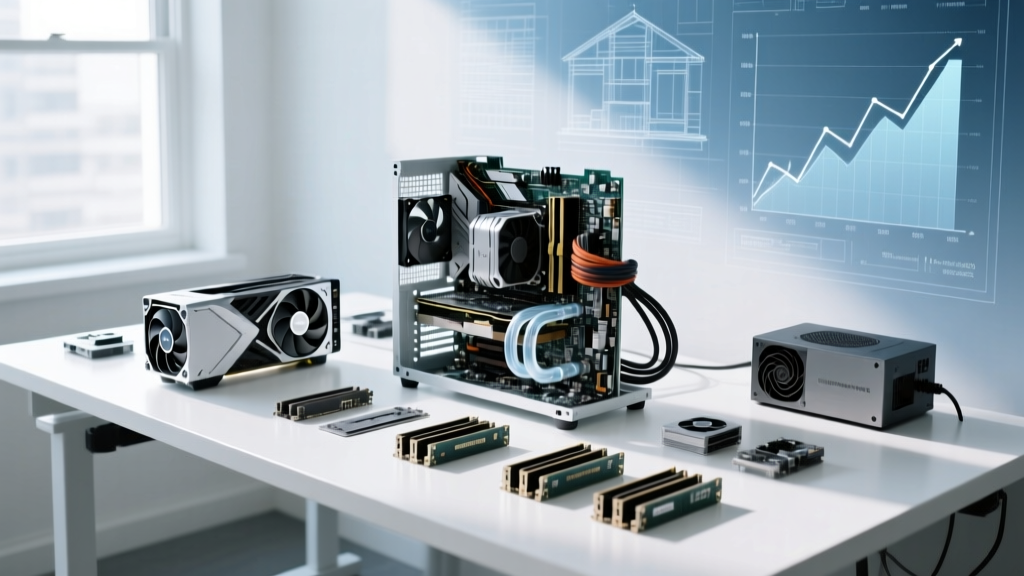
The True Cost of Building a Gaming PC in 2026
Building a custom gaming computer in 2026 requires navigating a matured DDR5 memory ecosystem, the transition to ATX 3.1 power standards, and a highly segmented GPU market. Unlike pre-built systems that carry hidden assembly markups and proprietary motherboard limitations, a custom build gives you total control over your budget allocation. However, answering the question of how much does a gaming computer cost to build depends entirely on your target resolution, desired frame rates, and willingness to handle assembly labor yourself.
This budget planning guide breaks down the exact material costs, labor considerations, and strategic component trade-offs required to build a gaming PC this year. We will analyze three distinct performance tiers and highlight the hidden costs that frequently derail first-time builders.
Component Cost Breakdown: Where Your Budget Goes
The foundation of any PC build is the GPU-to-CPU ratio. A common mistake in budget planning is overspending on a high-end processor while bottlenecking the graphics card. For pure gaming workloads, your GPU should command 35% to 45% of your total component budget.
| Component Category | Entry (1080p) | Mid-Tier (1440p) | Enthusiast (4K) |
|---|---|---|---|
| Processor (CPU) | $140 - $180 | $280 - $350 | $400 - $550 |
| Graphics Card (GPU) | $250 - $300 | $550 - $750 | $1,000 - $1,800 |
| Motherboard | $100 - $130 | $160 - $220 | $250 - $400 |
| Memory (RAM) | $55 (16GB DDR5) | $110 (32GB DDR5) | $180 (64GB DDR5) |
| Storage (SSD) | $60 (1TB Gen4) | $120 (2TB Gen4) | $220 (2TB Gen5) |
| Power Supply (PSU) | $75 (650W) | $140 (850W) | $250 (1200W) |
| Case & Cooling | $90 | $180 | $350+ |
| Estimated Total | $770 - $985 | $1,440 - $1,950 | $2,650 - $4,250 |
Budget Tiers: What You Get for Your Money
Tier 1: The 1080p Entry-Level Build ($750 - $950)
This tier targets high-refresh-rate 1080p gaming. The optimal strategy here is utilizing previous-generation or budget-current hardware. Pairing an AMD Ryzen 5 7600 or Intel Core i5-13400F with an NVIDIA RTX 4060 or AMD Radeon RX 7600 yields excellent performance in competitive titles like Valorant and Apex Legends. At this budget, stick to a high-quality B650 or B760 motherboard and a reliable 650W 80+ Bronze power supply. Do not compromise on the PSU brand; stick to reputable units from Corsair, Seasonic, or be quiet! to ensure stable voltage delivery.
Tier 2: The 1440p Sweet Spot Build ($1,400 - $1,800)
The 1440p tier offers the best price-to-performance ratio in 2026. This is where you transition to 32GB of DDR5-6000 CL30 memory, which is the verified sweet spot for both AMD's Ryzen 9000 series and Intel's Core Ultra 200 series processors. The GPU choice here typically lands on the RTX 5070 or Radeon RX 8800 XT. You must also upgrade to an ATX 3.1 compliant power supply (minimum 850W) featuring the native 12V-2x6 connector, which resolves the melting issues associated with early 12VHPWR cables.
Tier 3: The 4K Enthusiast Build ($2,500 - $4,000+)
Pushing 4K at 120Hz+ requires uncompromising hardware. This tier is built around the AMD Ryzen 7 9800X3D (leveraging 3D V-Cache for massive gaming performance gains) and an RTX 5080 or 5090. Enthusiast builds require advanced thermal management; budget at least $200 for a 360mm AIO liquid cooler or a premium dual-tower air cooler like the Thermalright Phantom Spirit. Furthermore, PCIe 5.0 NVMe SSDs (like the Crucial T700) become viable here, offering read speeds exceeding 12,000 MB/s for rapid asset loading in modern Unreal Engine 5 titles.
When buying a power supply for mid-to-high-tier builds in 2026, ensure it is explicitly certified for ATX 3.1 and includes the 12V-2x6 cable. Using older adapters for modern high-draw GPUs can result in thermal events and voided warranties.
Professional Assembly vs. DIY Labor Costs
In construction and estimating, labor is a primary cost driver. PC building is no different. You have two distinct paths for assembly:
- DIY Assembly ($0 direct cost, 3-6 hours labor): Building the PC yourself requires a magnetic Phillips-head screwdriver, an anti-static mat (optional but recommended), and access to digital manuals. The learning curve is manageable, and platforms like PCPartPicker's System Builder are essential for verifying component physical clearances and socket compatibility before purchasing.
- Professional Integration Services ($100 - $300): Retailers like Micro Center or specialized integration services (e.g., NZXT BLD, iBuyPower custom loops) charge a labor fee. This covers assembly, BIOS updating, cable management, and basic stress testing. While this adds to the bottom line, it transfers the risk of DOA (Dead on Arrival) component troubleshooting to the retailer.
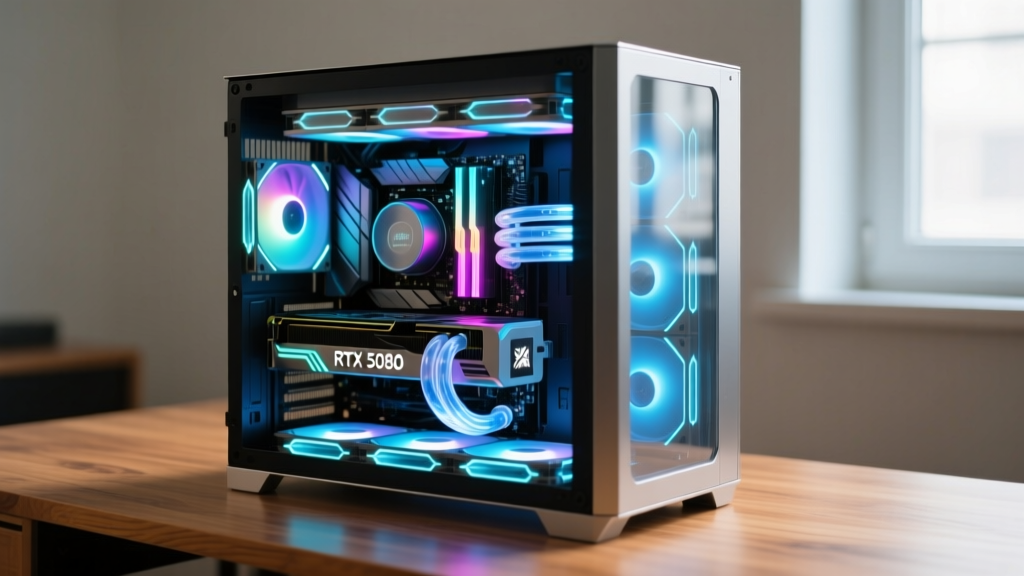
Strategic Budget Planning: Where to Save and Where to Spend
Optimizing your budget requires knowing which components yield diminishing returns and which directly impact your user experience.
Where to Spend (Do Not Compromise)
- Power Supply: A failing PSU can take out your motherboard and GPU. Always check the Cybenetics Database for efficiency and noise ratings rather than trusting the '80 Plus' sticker alone.
- Case Airflow: Avoid cases with solid glass front panels. Prioritize high-airflow mesh front panels (e.g., Corsair 4000D Airflow, Lian Li Lancool 216) to reduce component temperatures by 5-10°C, extending hardware lifespan.
- GPU VRAM: In 2026, 8GB of VRAM is insufficient for modern AAA titles at high settings. Ensure your GPU has a minimum of 12GB, ideally 16GB for 1440p gaming.
Where to Save (Diminishing Returns)
- Motherboards: Unless you require multiple Gen5 M.2 slots or extreme CPU overclocking, a mid-range B-series chipset board performs identically in gaming to a $400 Z-series or X-series board.
- CPU Coolers for Non-X3D Chips: A $40 dual-tower air cooler will outperform or match a $150 AIO liquid cooler on 65W-105W TDP processors, with zero risk of pump failure or leaks.
- RGB Lighting: 'RGB taxes' on RAM and fans can add $100+ to your build with zero performance benefit. Buy non-RGB variants and allocate those funds toward a higher-tier GPU.
Hidden Costs and Peripherals
Component estimators often fail to account for the ecosystem required to actually use the machine. When planning your total capital expenditure, factor in the following:
| Hidden Item | Estimated Cost | Notes |
|---|---|---|
| Operating System | $0 - $140 | Windows 11 OEM keys are cheap (~$25) from authorized third-party vendors; Retail is $139. Linux (Ubuntu/Mint) is free. |
| Premium Thermal Paste | $10 - $15 | Stock paste is adequate, but Thermal Grizzly Kryonaut or Arctic MX-6 offers better longevity and lower temps. |
| Cable Extensions | $30 - $60 | Sleeved PSU cable extensions (e.g., CableMod) are purely aesthetic but highly desired for glass-panel builds. |
| Display (Monitor) | $200 - $800 | A 1440p 165Hz IPS panel is the current value king. Do not pair a $1,500 PC with a $150 60Hz monitor. |
Sourcing Parts and Warranty Considerations
The used market (eBay, Reddit's r/hardwareswap) can shave 20-30% off your total build cost, particularly for CPUs and RAM, which rarely degrade. However, purchasing used GPUs carries the risk of ex-mining cards with dried thermal pads, and used motherboards often have bent LGA socket pins.
Expert Tip: Always prioritize buying the Power Supply and Storage (SSD) brand new. SSDs have finite TBW (Terabytes Written) lifespans that are impossible to accurately verify on the used market, and a used PSU failure will void the warranties on your brand-new components.
By meticulously planning your budget around the 1440p sweet spot and adhering to the ATX 3.1 power standards, you can construct a high-performance gaming computer in 2026 that balances immediate frame rates with long-term upgradeability. Use compatibility checkers, prioritize airflow over aesthetics, and allocate your capital heavily toward the GPU to ensure the best return on your hardware investment.
Written by
James ThorntonJames Thornton is a construction industry veteran with 25 years of hands-on experience in wood framing, lumber grading, and residential building codes. He started as a framing carpenter in rural Oregon, earned his ICC Residential Building Inspector certification, and eventually became a senior plan reviewer for the City of Portland Bureau of Development Services. James holds a B.S. in Wood Science & Technology from Oregon State University and is a certified lumber grader through the West Coast Lumber Inspection Bureau (WCLIB). He has inspected over 3,000 residential construction sites and authored the city's internal guide on advanced framing techniques (2x6 at 24" O.C.). James lives in Bend, OR, where he builds custom timber-frame cabins and competes in lumberjack sports.
More from James Thornton
View all
Insulation
Best Home Insulation Materials: Complete 2026 Guide
Compare top home insulation materials for 2026. Find R-values, installed costs per square foot, and best uses for fiberglass, spray foam, and mineral wool.
Aug 4, 2026
Sustainable Building
Certify Your Green Building Material for LEED and WELL
Step-by-step guide to certifying a green building material for LEED v5 and WELL v2. Master EPDs, HPDs, and VOC limits for 2026 project specifications.
Aug 4, 2026
Stone & Masonry
Veneer Stacked Stone Panels: Interior Design & Style Showcase
Discover how veneer stacked stone panels transform interiors. Explore modern design profiles, material pairings, and technical installation specs.
Aug 4, 2026